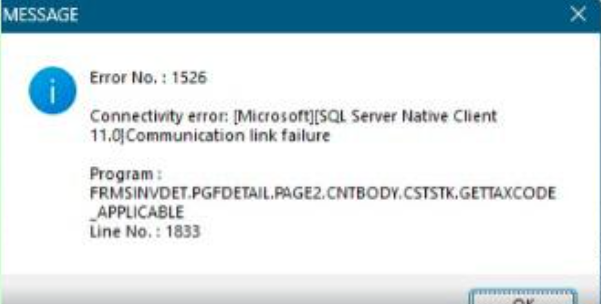
Normally is due to server / workstation power options > set to sleep after certain amount of time, need to disable (set to 0 - never sleep)
If server is laptop, must keep the laptop charging !
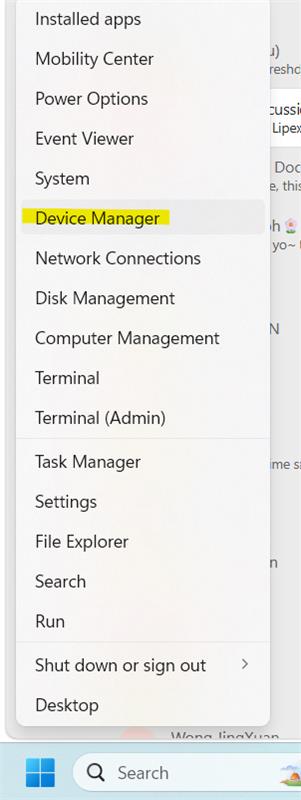
Alternatively, on both server & workstation, user can right click on Start button > Device Manager
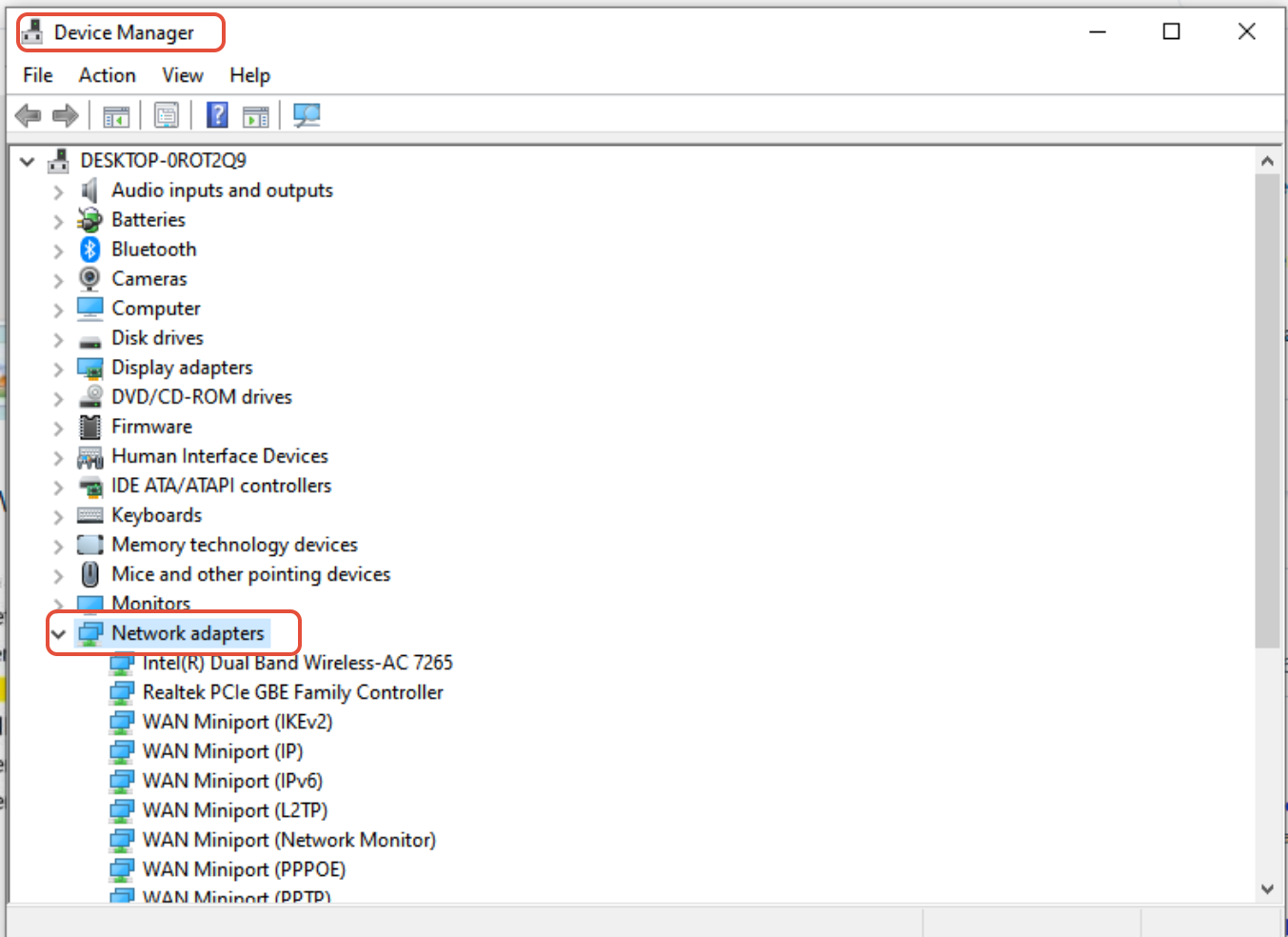
Network Adapters > double click on WiFi / Ethernet adapter
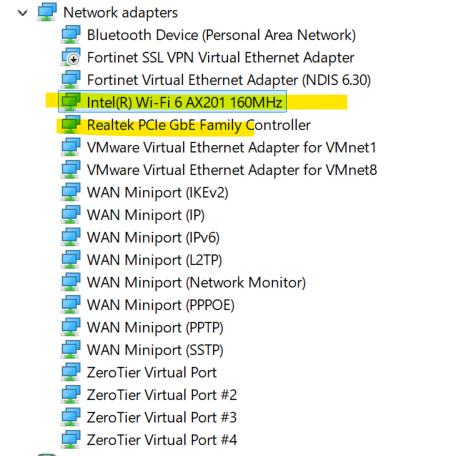
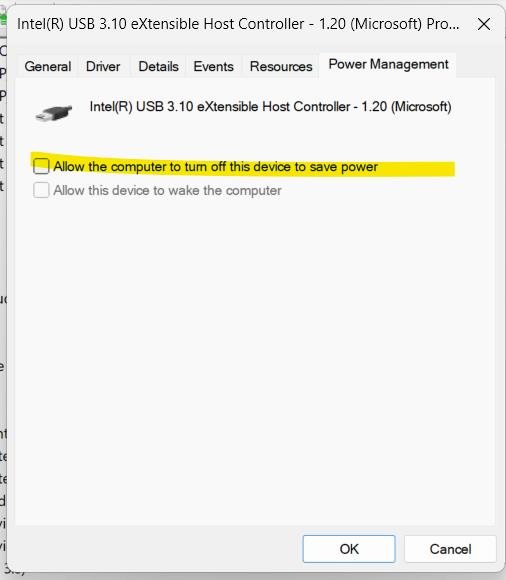
See if have power management option, if have, switch off 'Allow the computer to turn off this device'
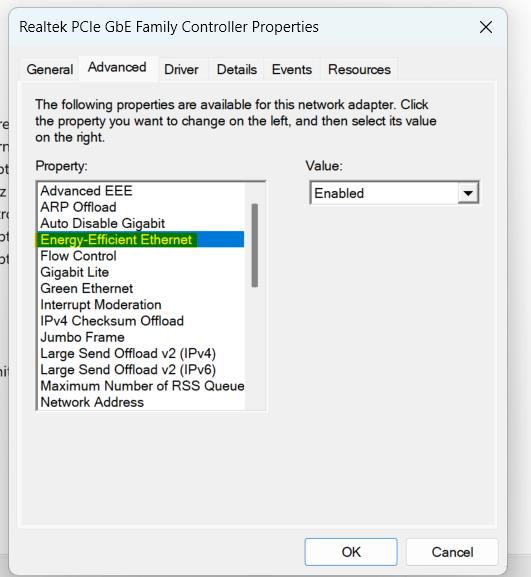
Under 'Advanced', check if have 'Energy Efficient Ethernet', disable it