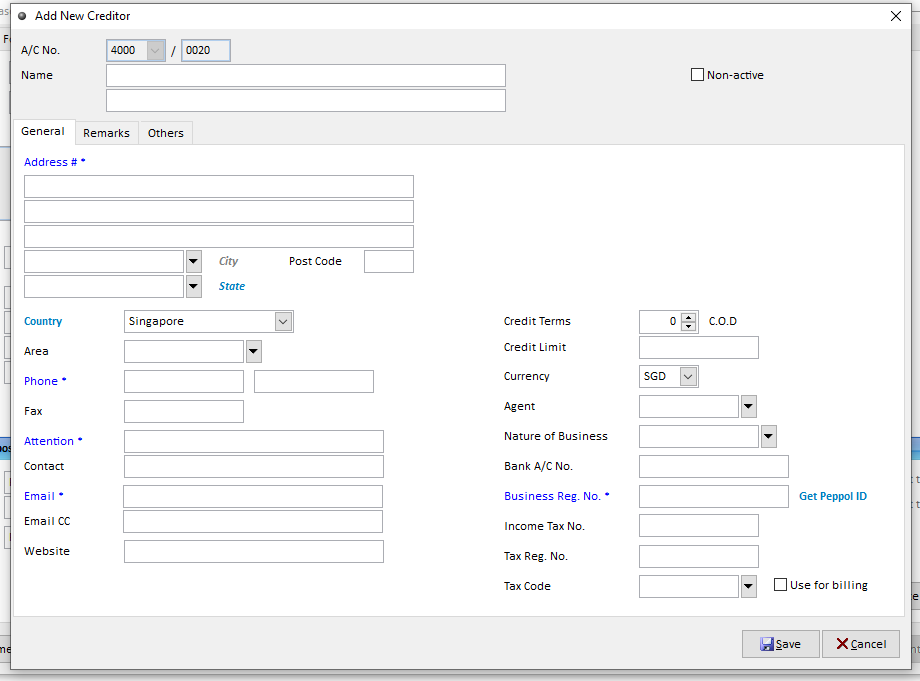
When create purchase invoice, you key in the Supplier Code manually but pop out the Message shown Supplier Code not Found, it mean that the Supplier code is Wrong or you have not create the Supplier yet. You can click on this button
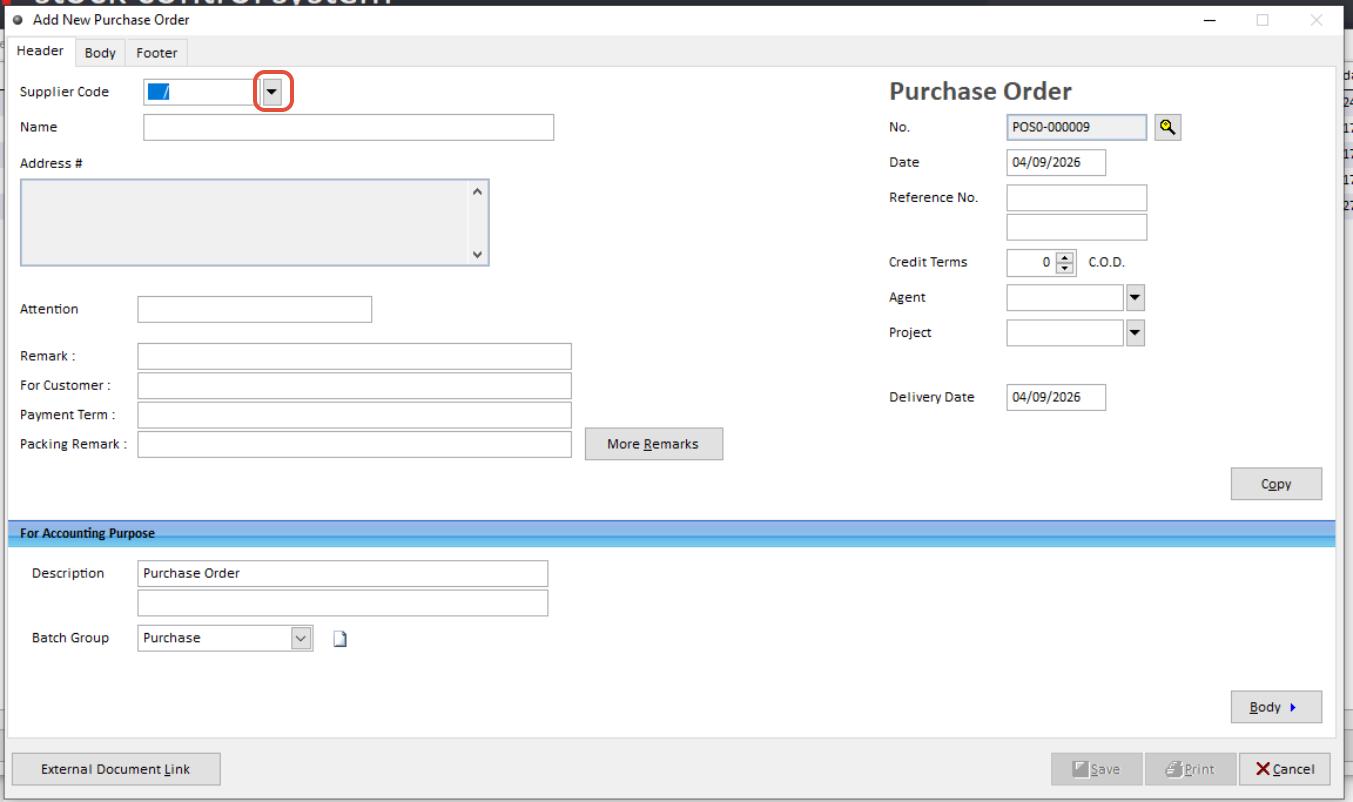
You can check and research by A/C No. or Name, click on the top column and key in.
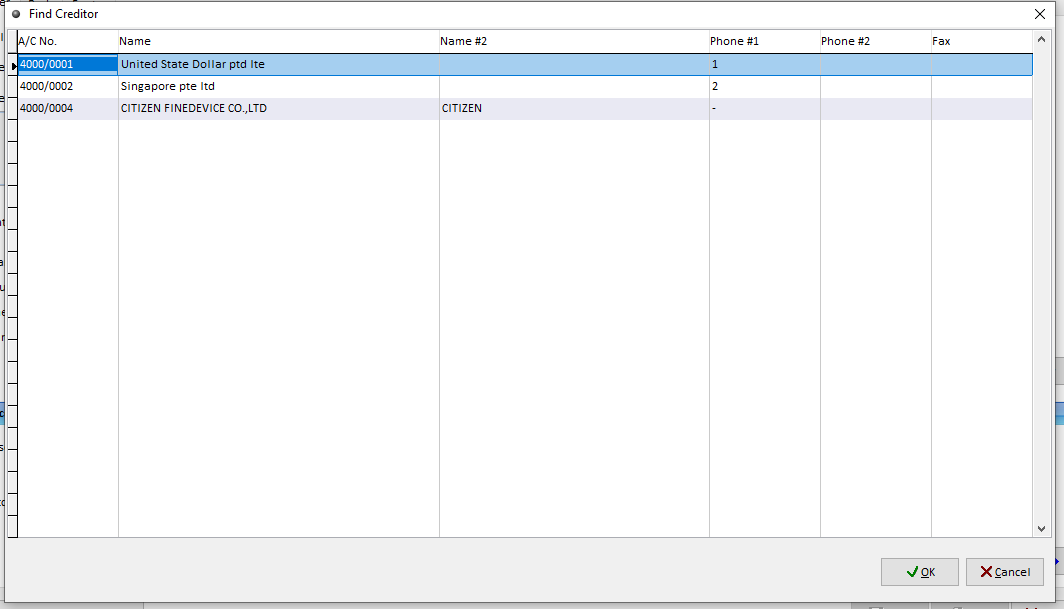
Noted: if you haven't create the Supplier A/C yet, you can get back to Creditors maintenancence to create
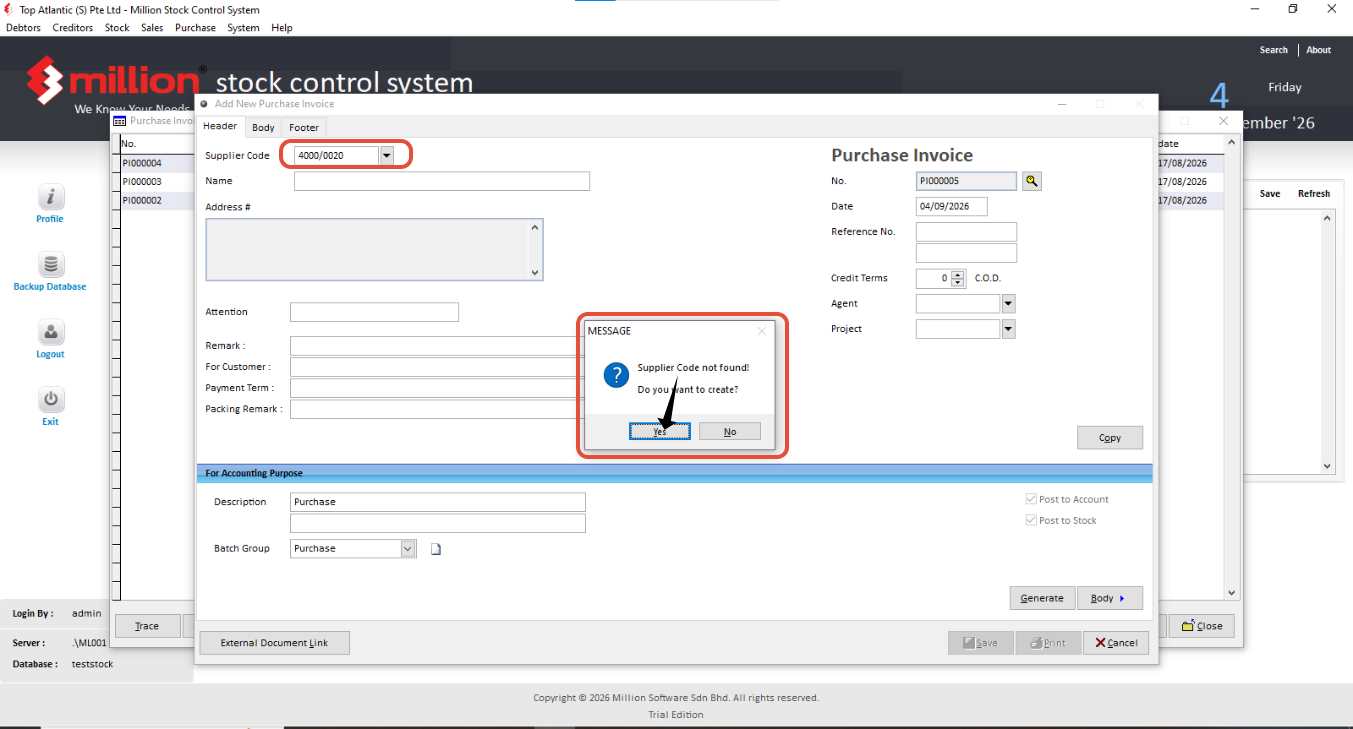
Also, you create directly create from here.
1. Click Yes
2. Key in the Information and also Peppol ID, In detail please refer back to the -> Main page -> 0.3 Master Data. After done, Click save.