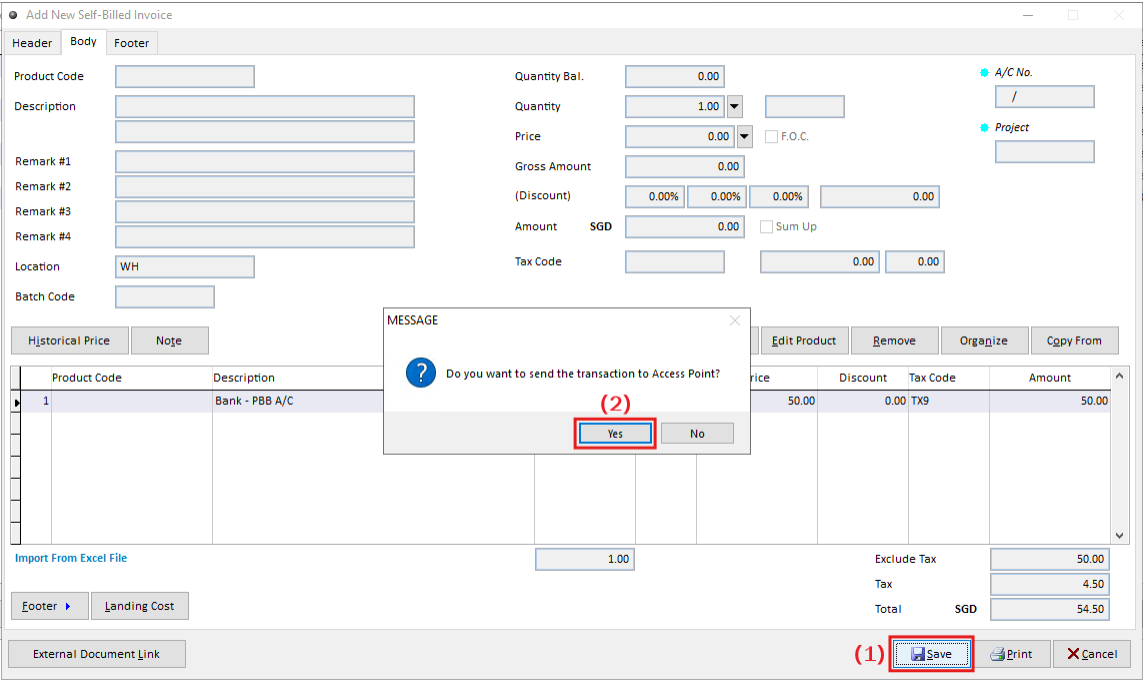
A Self-Bill Debit Note is used to adjust or increase the value of a previously issued Self-Bill Purchase Invoice, typically due to additional charges or corrections identified after the original transaction. It’s commonly used when: The supplier is not registered on Peppol or does not issue e-invoices
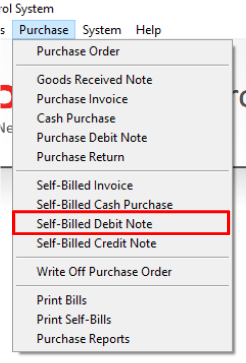
Step 1: Open Self-Billed Debit Note
Navigate to: Purchase > Self-Billed Debit Note
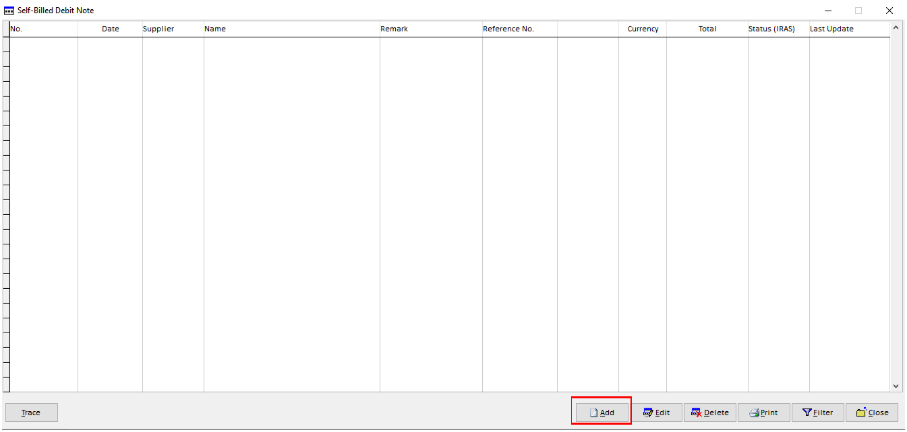
Step 2: Add a New Self-Billed Debit Note
Click Add to create a new Self-Billed Debit Note.
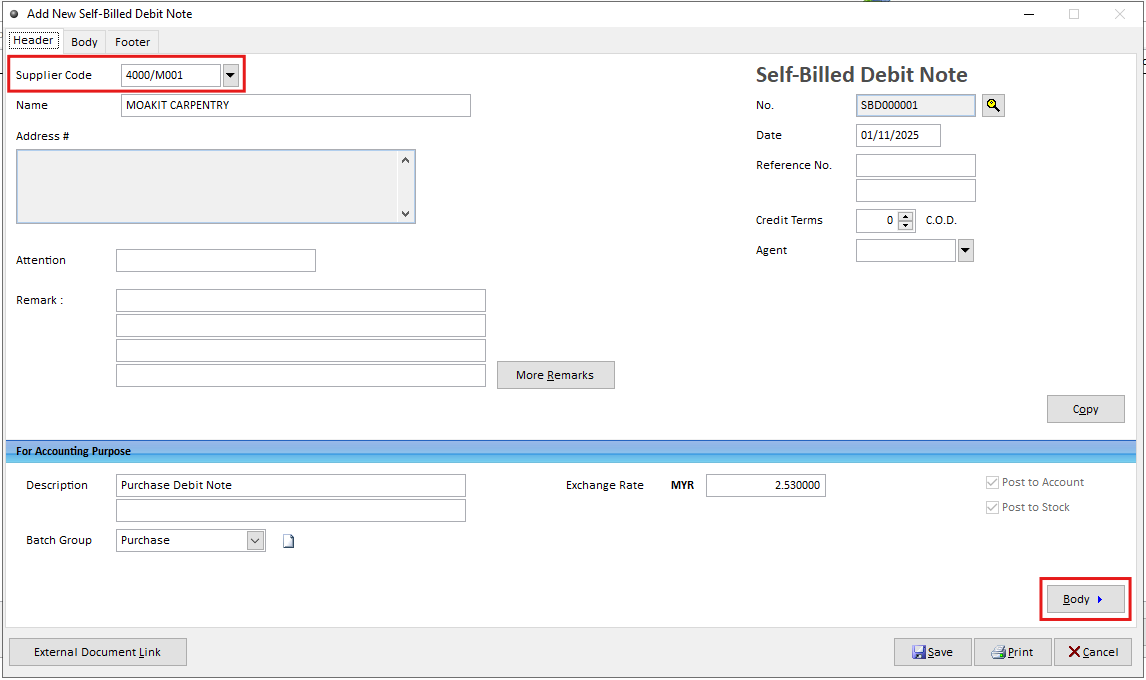
Step 3: Enter the Supplier Information & Item Details
Under the Header tab, enter the required supplier information and billing remarks. Navigate to the Body tab and enter the required item details including Price and Quantity
Step 4: Save and Submit the Debit Note
Click Save to create the self-billed debit note..
After clicking Save or Print, the system will display a prompt whether to send the e-invoice to Access Point.
“Do you want to send the transaction to Access Point?”
Select Yes → The document will be transmitted automatically to GST InvoiceNow.
Select No → The document will not be transmitted immediately and can be submitted later through Document Management.