Video Step by Step
Before going through the steps below,
1. Please ensure that all transactions in your previous accounting period has been finalised before proceeding.
2. Please do the year end closing at the server / main PC for better performance & faster speed during closing.
3. Please ensure no one else is logged in to this company.
Step 1: Backup your database.
(System > Backup Database)


Step 2: Start the Year End Closing
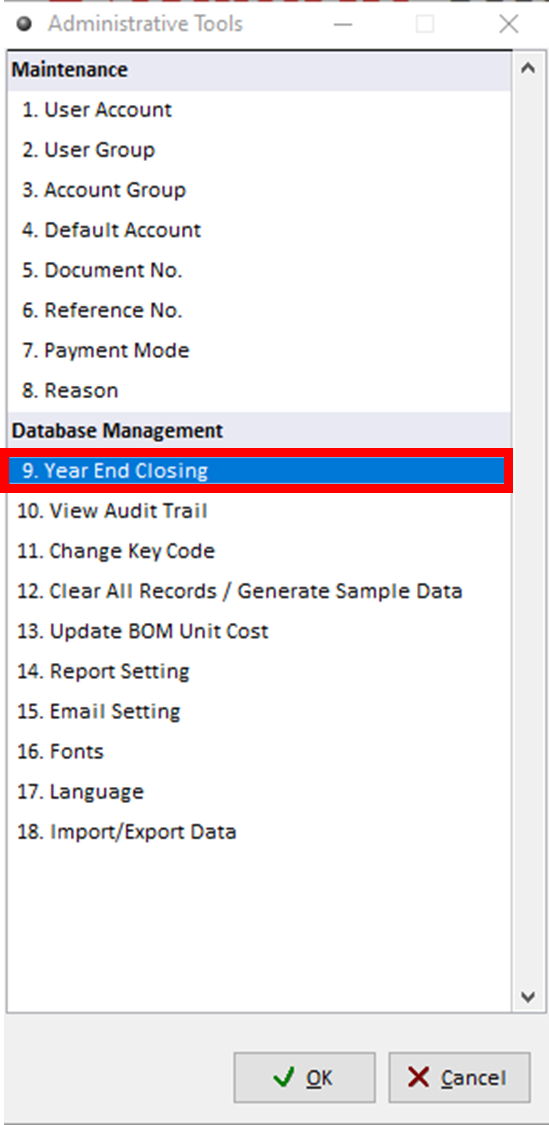
(System > Administrative Tools > Year End Closing)

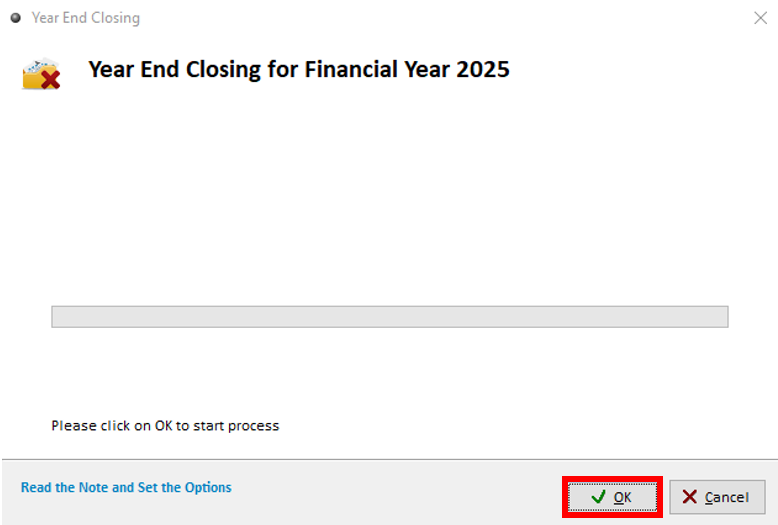
Click OK to start the Year End Closing.
Key In User ID and Password, then click 'Yes'

Wait for Year End Closing to complete.
IMPORTANT: Do not use Task Manager to force end Million, even if it is not responding. If the PC shut down during the year end closing, please refer to this article to restore your backup before year end closing.
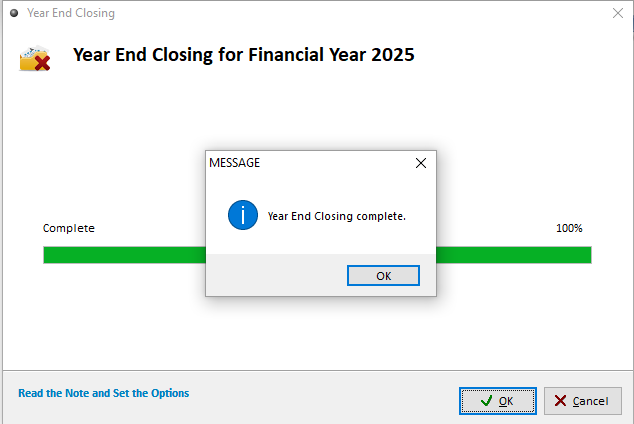
Step 3: Verify the year end closing has been completed
The Accounting Period in your current company database will be updated to the next accounting year.
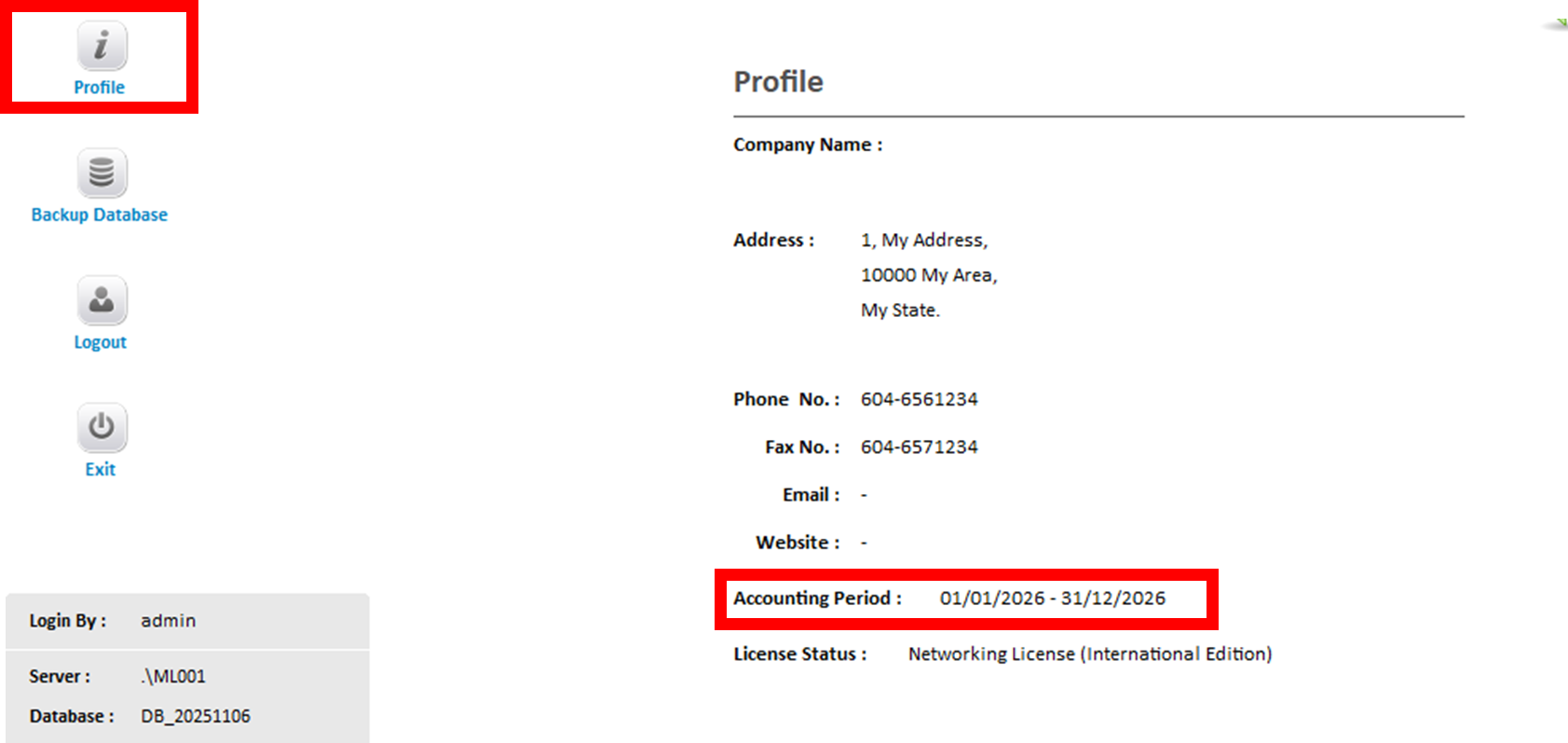
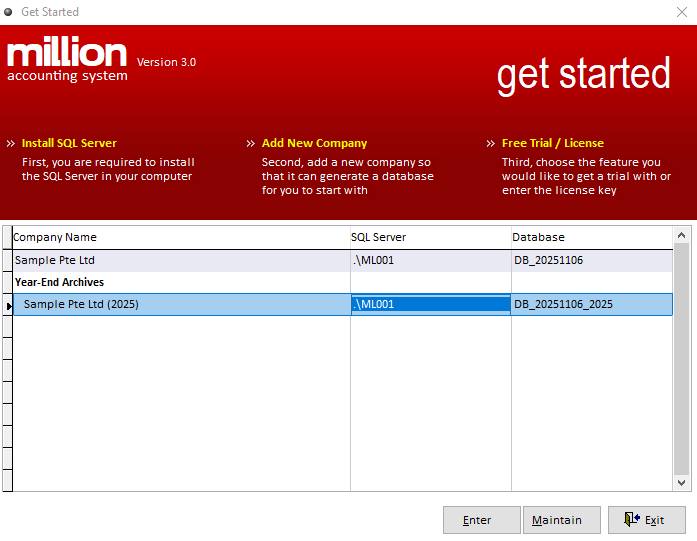
Check for the previous year archive in the 'Get Started' window.