Step 1: Log In to DataPost
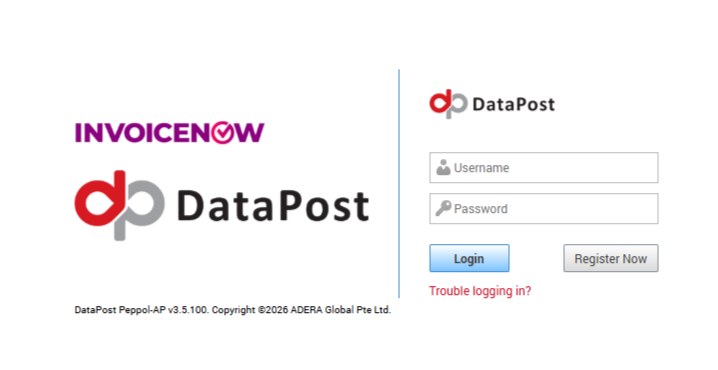
Enter the Username and Password provided by DataPost during registration, then click Login.
Step 2: Open Business Account Management
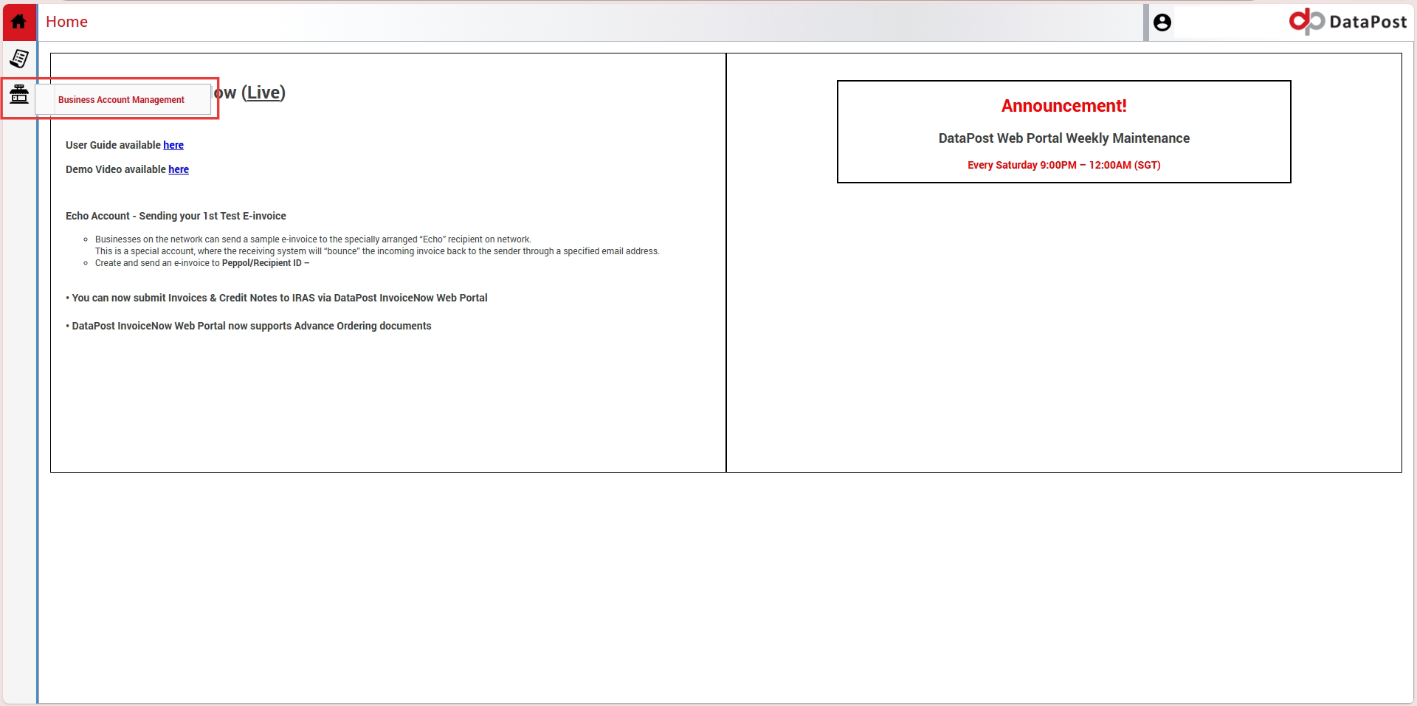
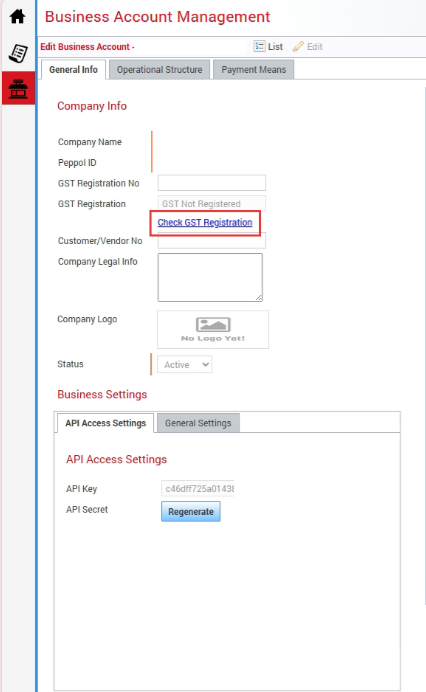
After logging in, click Business Account Management from the menu on the left. Copy the API Key displayed under API Access Settings.
Note: Keep the API Key securely as it will be required for the GST InvoiceNow setup in Million System.
Step 3: Verify the GST Registration
Double-click Business Account Management to open the Business Account details. Under General Info, click Check GST Registration to verify that the company's GST registration has been successfully registered.
Step 4: Generate the API Secret
Under: Business Settings > API Access Settings
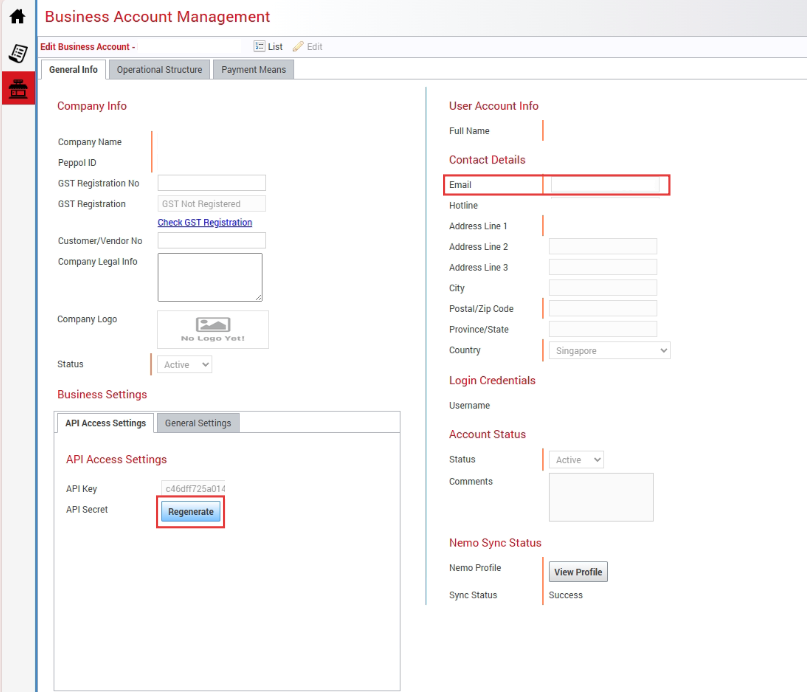
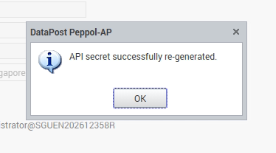
Click Regenerate beside API Secret. The API Secret will be sent to the email address registered with DataPost. Check the registered email and obtain the API Secret before proceeding.