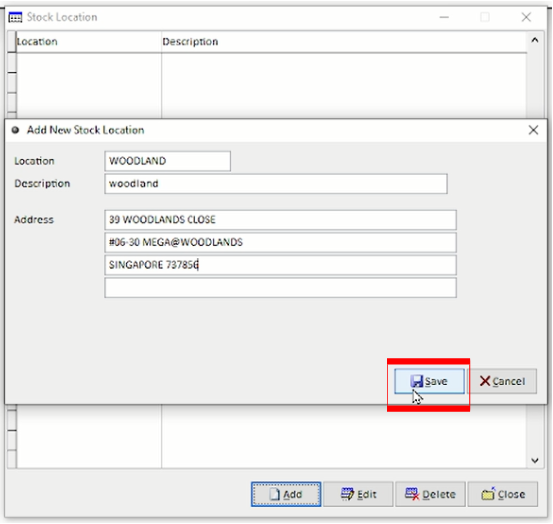
Stock Location is used to identify and manage where stock items are stored.
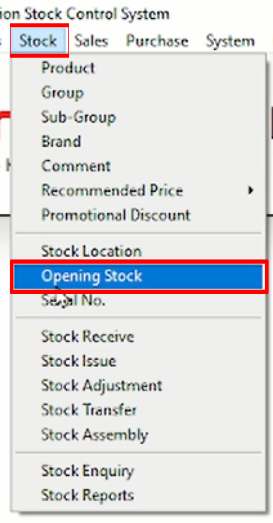
Step 1: Open Stock Location
Navigate to Stock > Stock Location.
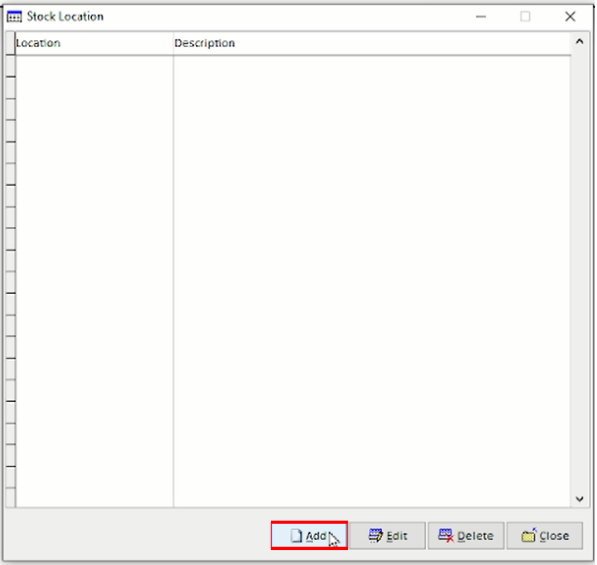
Step 2: Create a New Stock Location
Click Add to create a new Stock Location.
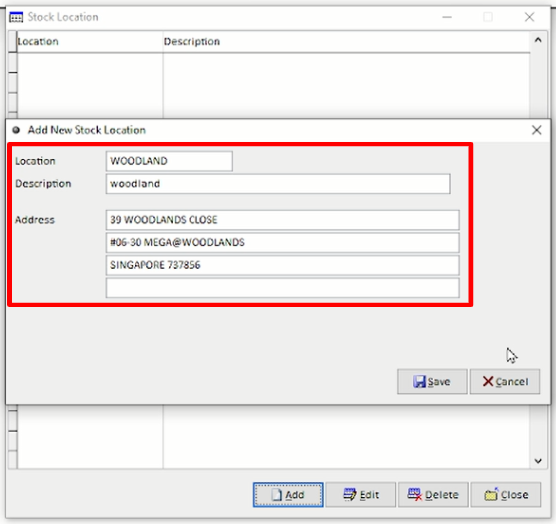
Step 3: Enter the Stock Location Details
Enter the required location information:
Location – Enter the stock location.
Description – Enter a description or name for the location.
Address – Enter the address of the stock location if required.
Step 4: Save the Stock Location
Review the information and click Save to create the new Stock Location.