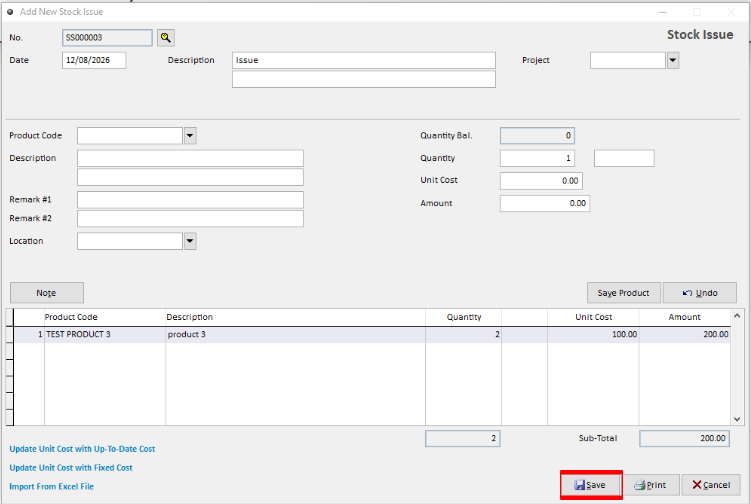
Stock Issue is used to record goods issued for internal use.
Step 1: Open Stock Issue
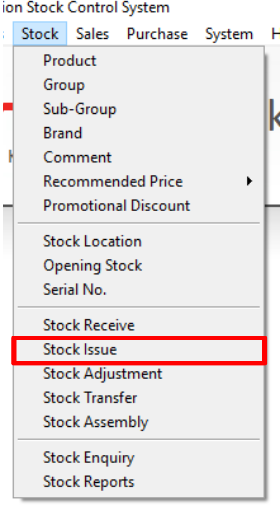
Navigate to Stock > Stock Issue.
Step 2: Create a New Stock Issue
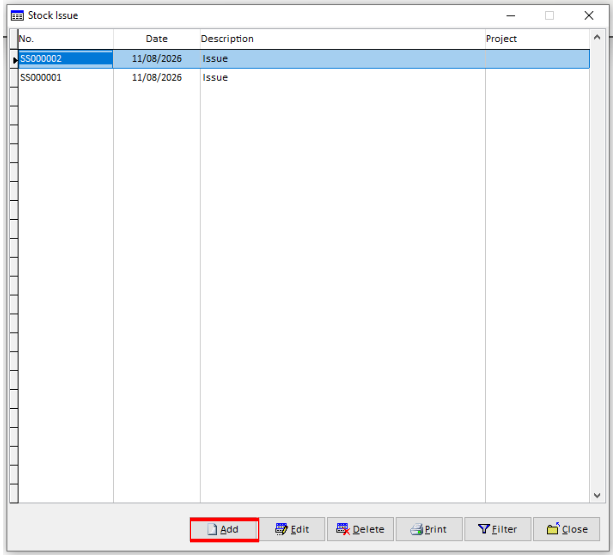
Click Add to create a new Stock Issue transaction.
Step 3: Enter the Stock Issue Details
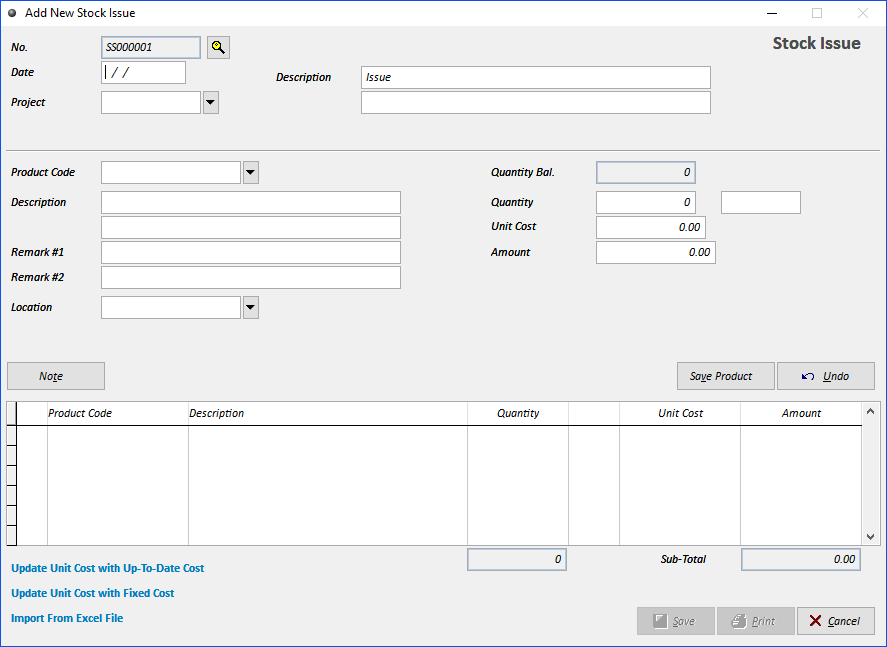
Enter the required information:
No. – The document number is generated automatically. It can be preset or reset if required.
Date – Enter the transaction date.
Product Code – Enter the Product Code or select it from the drop-down list.
Description – The product description will be displayed automatically.
Remark 1 & 2 – Enter additional information or remarks if required.
Location – Select the relevant stock location.
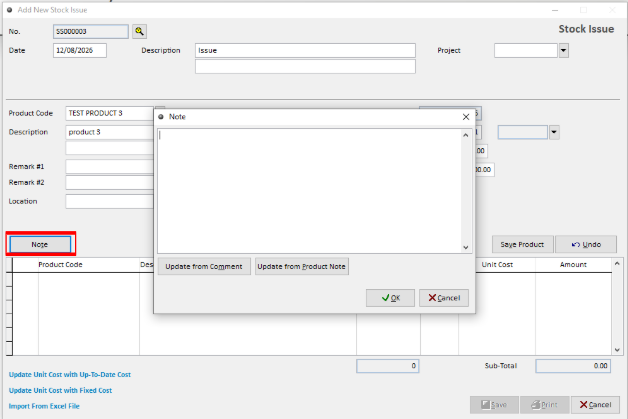
Step 4: Add a Note (Optional)
Use the Note field to enter any additional description or information about the item if required.
Step 5: Save the Stock Issue
Review the details and click Save to complete the Stock Issue transaction.