Step 1: Open Opening Stock
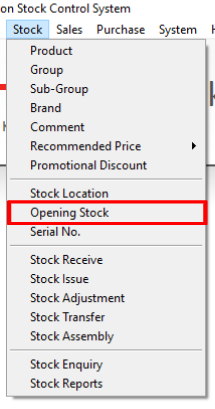
Navigate to Stock > Opening Stock.
Step 2: Enter the Opening Stock Details
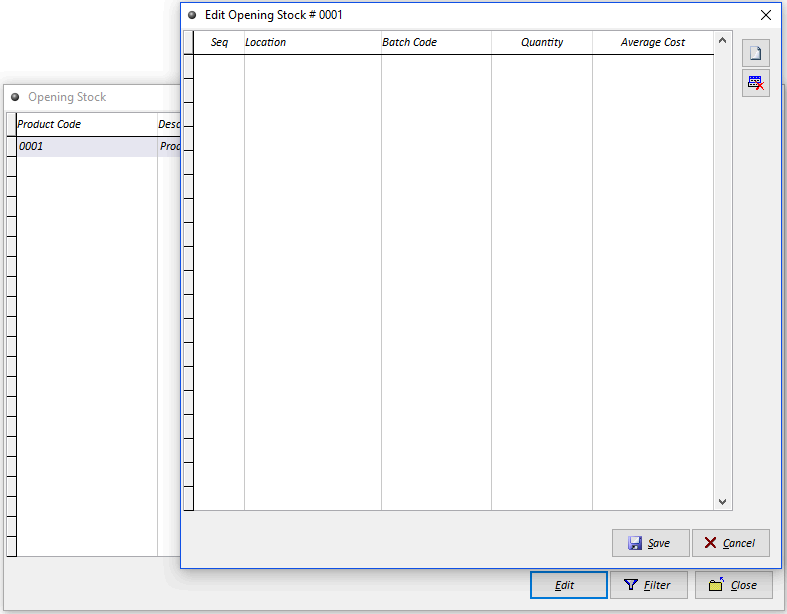
Select the required item and click Edit. Enter the item's opening quantity and opening cost, then save the changes.

Modified on: Wed, 12 Aug, 2026 at 3:00 PM
Step 1: Open Opening Stock
Navigate to Stock > Opening Stock.
Step 2: Enter the Opening Stock Details
Select the required item and click Edit. Enter the item's opening quantity and opening cost, then save the changes.
Did you find it helpful? Yes No
Send feedback