
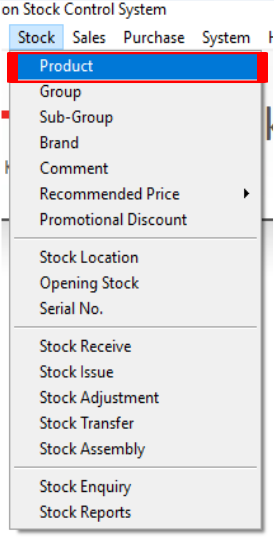
Step 1: Open Product
Navigate to Stock > Product.
Step 2: Search an Existing Item
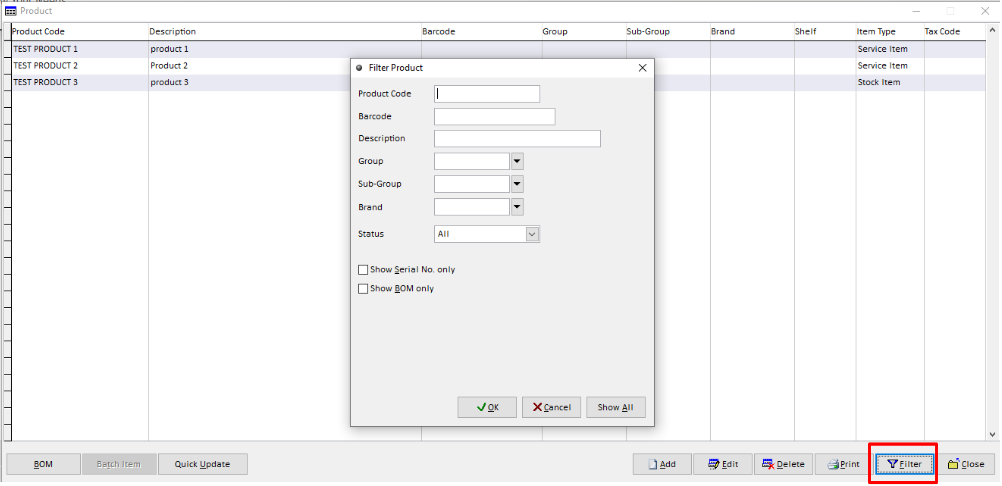
Click on ‘Filter’ button and enter the Product Code to search for the required item.
Step 3: Modify an Existing Item
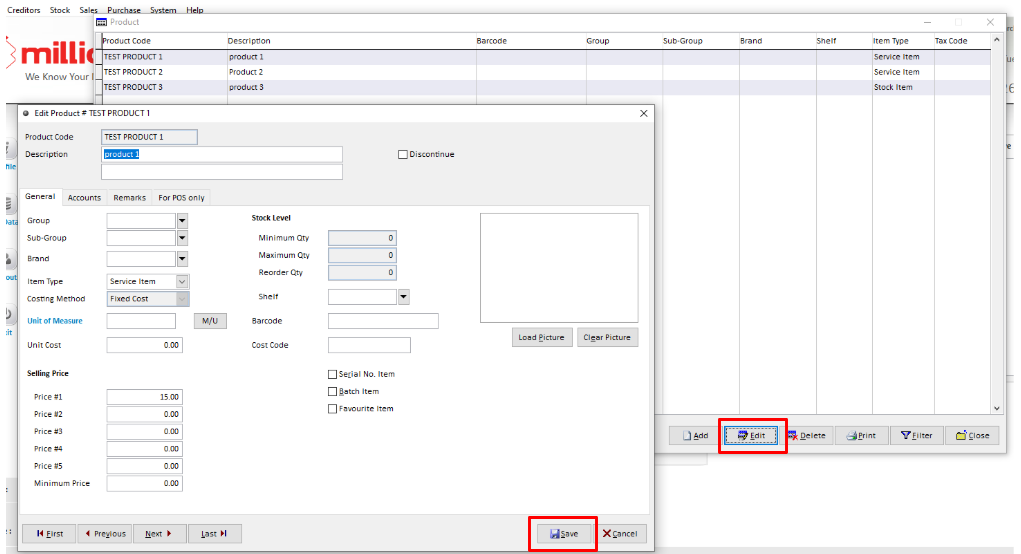
Select the item you want to modify and click the Edit button on screen and Update the required information, then click Save to save the changes.
Step 4: Delete an Existing Item
Search for the item that you want to remove and then click on the Delete button.
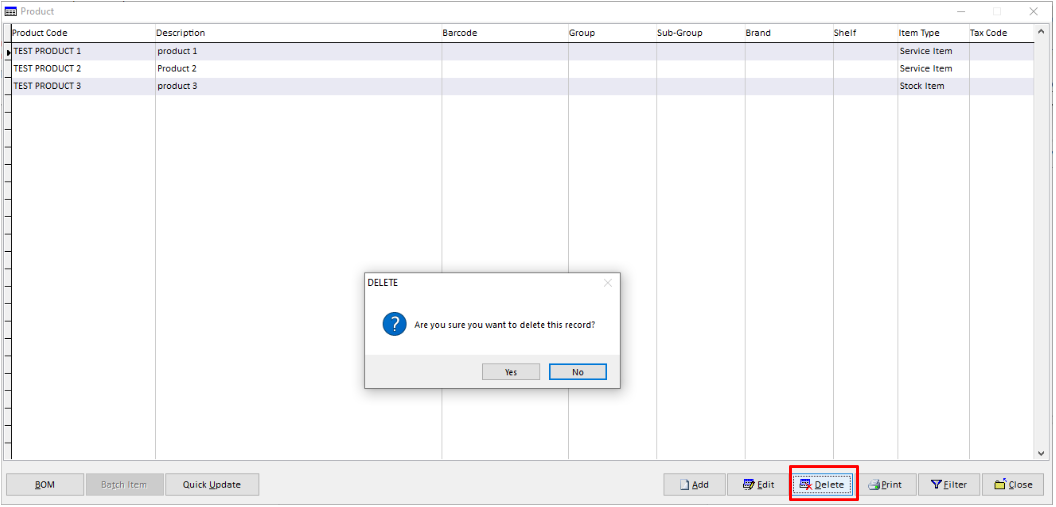
Note: An item can only be deleted if no transactions have been recorded for the item and its stock balance is zero.