How to Deactivate GST InvoiceNow
Step 1: Check the GST InvoiceNow Status
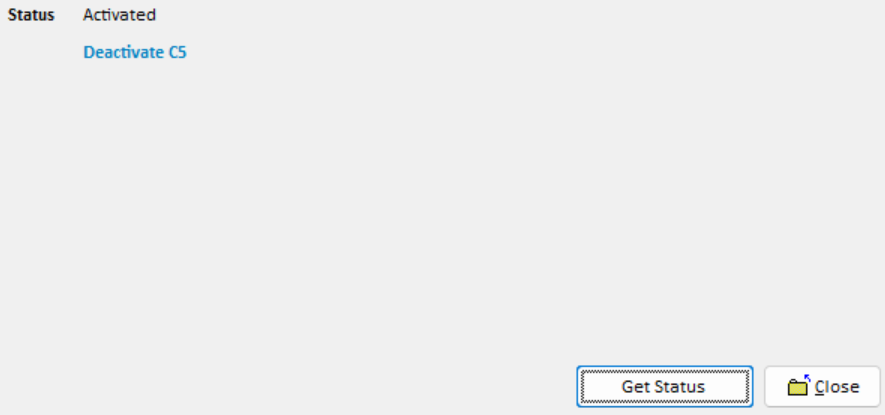
Click Get Status to check the current GST InvoiceNow activation status.
Once the system confirms that GST InvoiceNow is activated, click the provided Deactivation link to proceed.
Step 2: Enter User Information
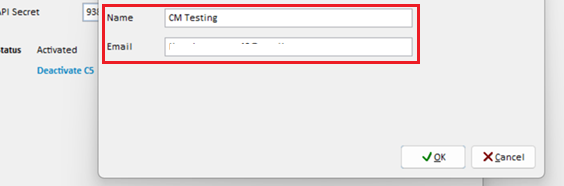
Enter your Name and Email in the respective fields to confirm the deactivation request.
Step 3: Deactivate GST InvoiceNow
Click Deactivate GST InvoiceNow.
A deactivation link will be displayed. Click the link to continue the deactivation process in your web browser.

Step 4: Authenticate with CorpPass
On the deactivation page, click CorpPass to proceed with authentication.
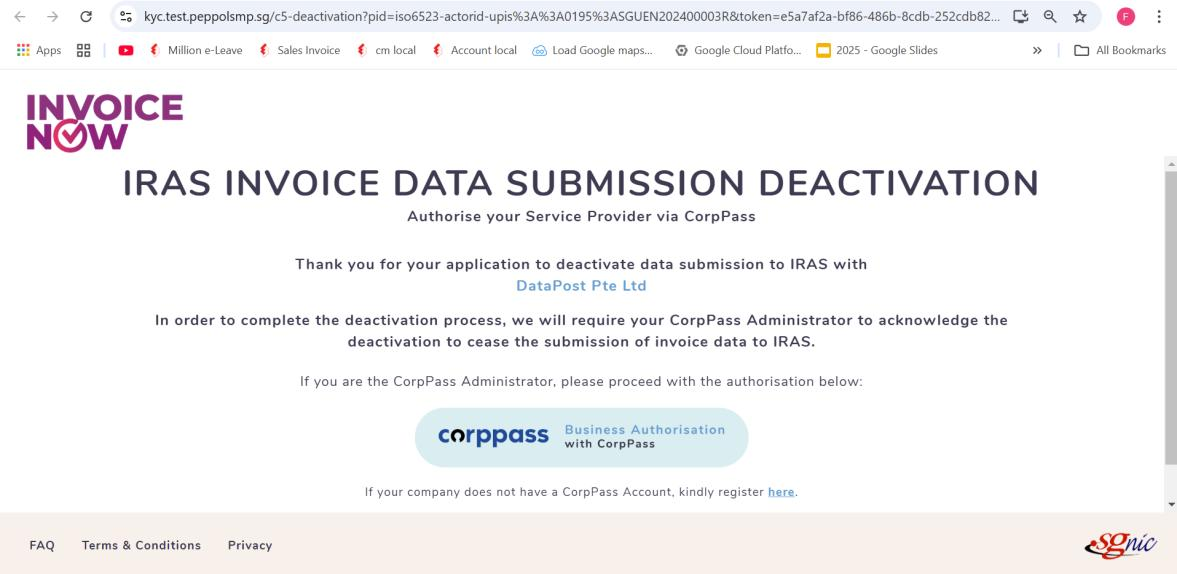
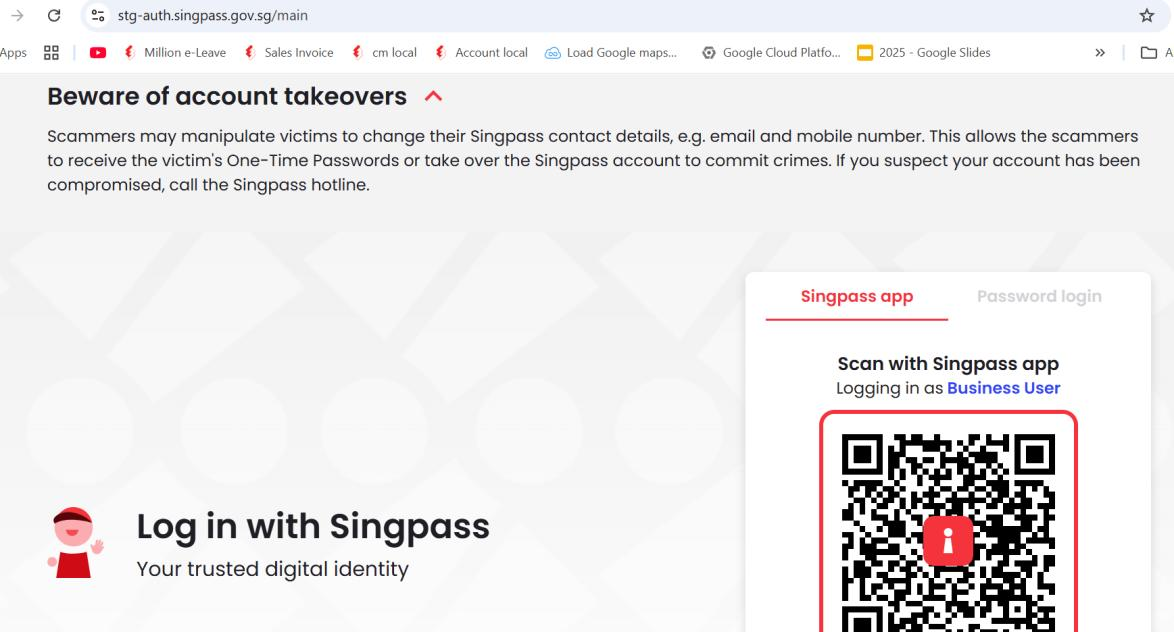
Log in using your Singpass account.
Step 5: Select the Entity
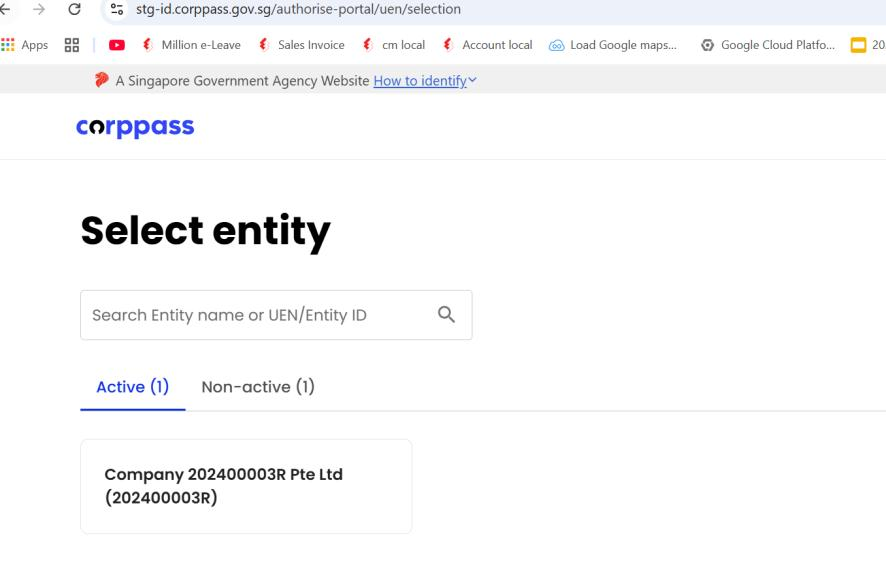
Select the relevant company entity to proceed with the deactivation.
Step 6: Complete GST InvoiceNow Deactivation
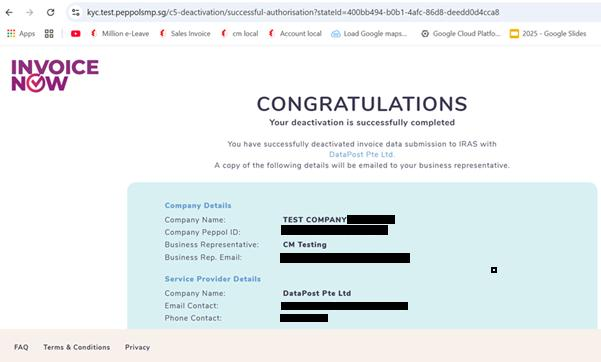
Once the process is completed, the system will confirm that GST InvoiceNow has been successfully deactivated.