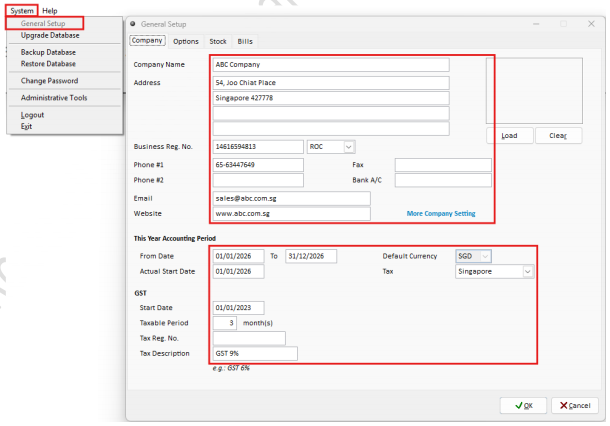
Step 1: Setup Company Details
Navigate to System > General Setup to Maintain Company Profile and click OK.
(Include Company Name, Address, Business Registration No, Contact , Email ect)
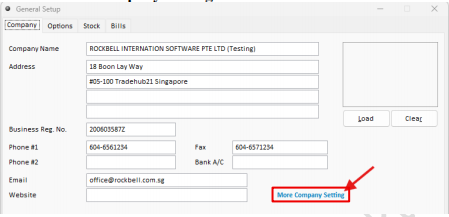
Step 2: Open More Company Setting
Click on More Company Setting
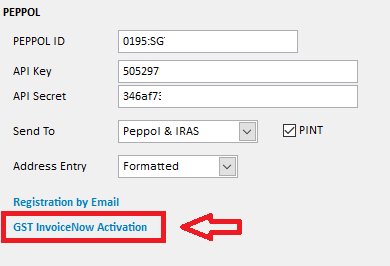
Step 3: Enter GST InvoiceNow Credentials
Enter your Peppol ID, API Key, and API Secret, then click GST InvoiceNow Activation.
Activation.
Step 4: Verify the Activation Status
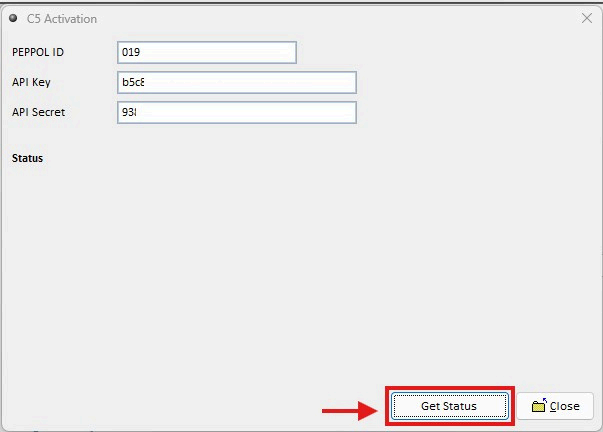
Click Get Status to verify the GST InvoiceNow activation status.
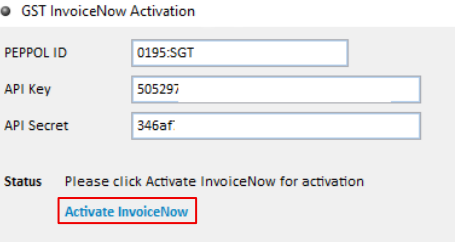
Once the status has been updated, click Activate InvoiceNow
Step 5: Enter Activation Details
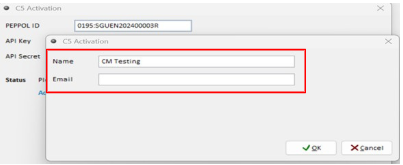
Enter your Name and Email to complete the activation.
Step 6: Open the Activation Link
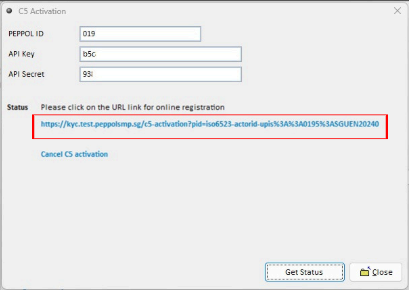
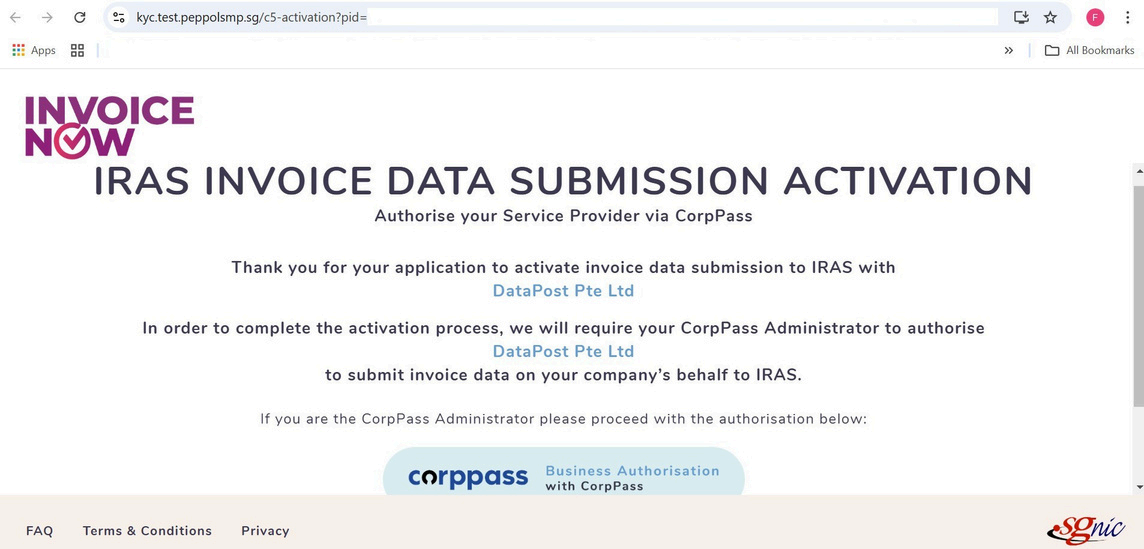
An activation link will be displayed. Please click on the link to continue the activation process in your web browser.
Step 7: Authenticate with CorpPass
On the activation page, click CorpPass to proceed with authentication.
Step 8: Select the Entity
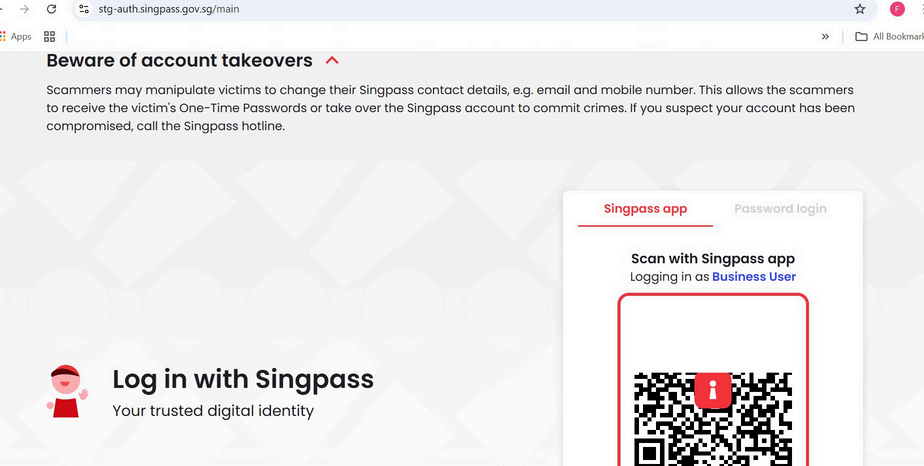
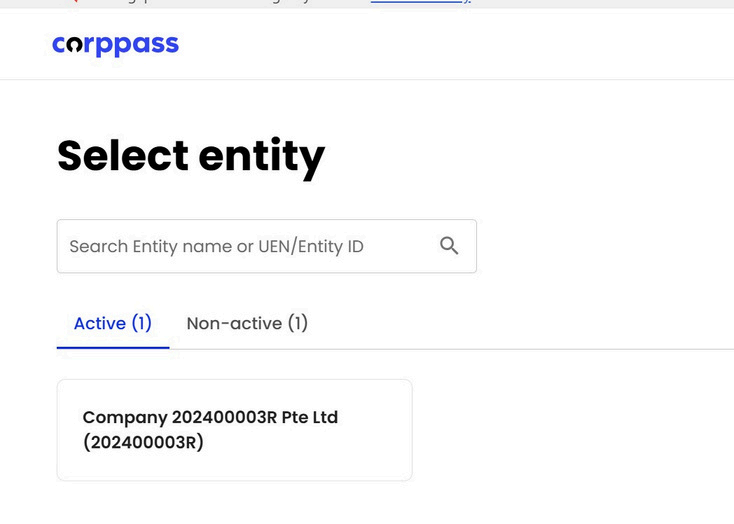
Log in using your Singpass account, then select the relevant company entity.
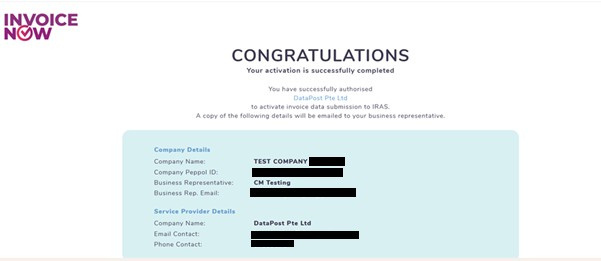
Step 9: Complete GST InvoiceNow Activation
After selecting the entity, the system will confirm that the GST InvoiceNow activation has been completed successfully.