
How to Setup Peppol ID Registration
Setup Peppol ID Registration Video (Video section: 0:13 - 0:46)
Step 1: Request Registration Form
Send an email to peppol@rockbell.com.sg to request the registration form.
Step 2: Complete & Submit Form
Fill in the Excel registration form provided by Rockbell and return it.
Step 3: Receive API Key & Authorization Instructions
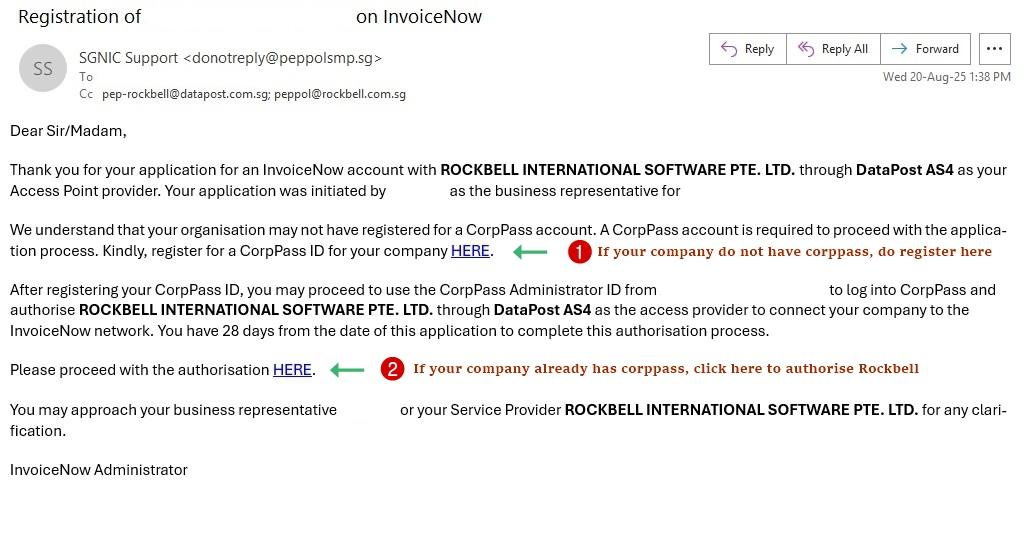
You will receive two emails: one with your API Key, another with authorization
instructions
Step 4: Perform Authorization Process
Follow the steps provided to grant Rockbell access
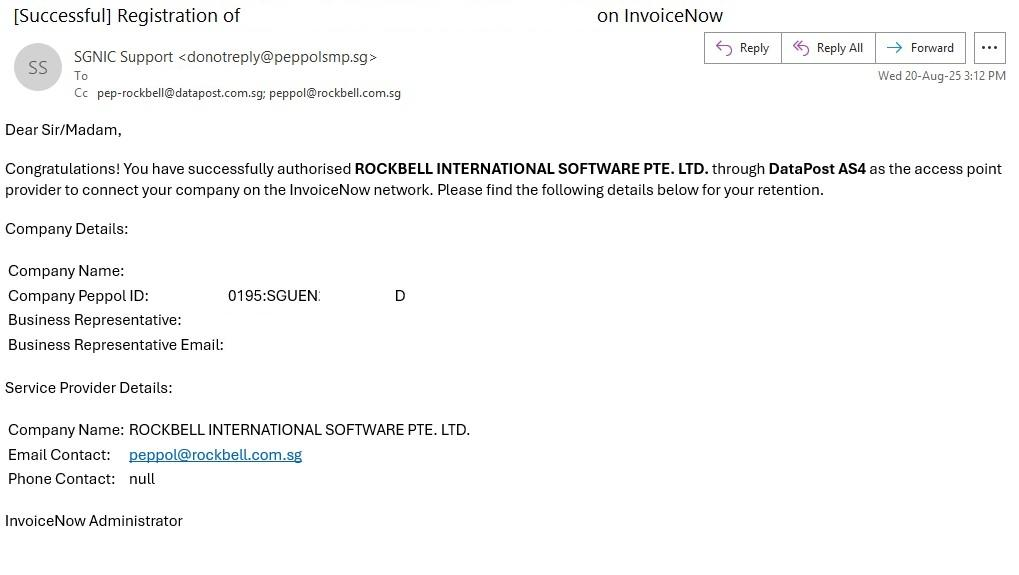
Once successful, you will receive this email as well.
Step 5: Final Confirmation with Rockbell
Once authorization is complete, notify Rockbell via peppol@rockbell.com.sg so they can
finalize your InvoiceNow account setup.