How to Download Million Installer & Update
Step 1: Download Million Accounting System Installer and update package
Download from the official Google Drive link: Million Installer & Update Files
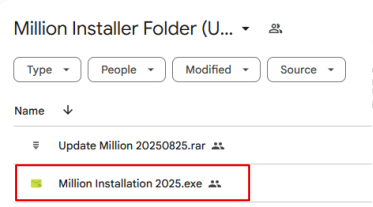
Click run anyway if pop out blocking
Step 2: Run the file Million Installation 2025.exe
file explorer -> download -> click download.exe -> start installation
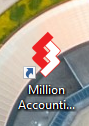
Upon successful installation, the Million System icon will appear on your desktop.
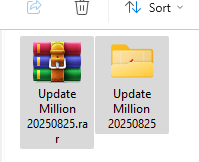
Step 3: Download the update package (Update Million 20250825.rar)
After download successfully extract the contents.
Step 4: Copy all files in “Update Patch File”
Open the extracted folder and copy all files from the “Update Patch File”.
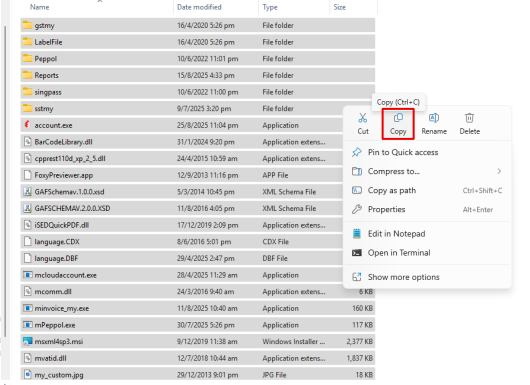
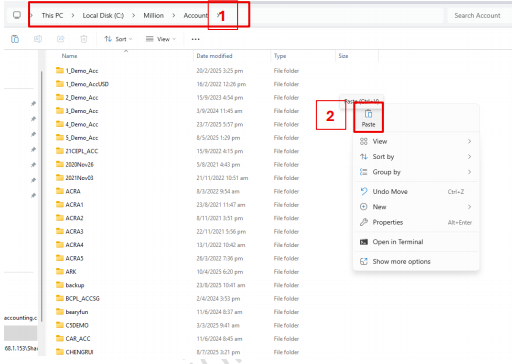
Step 5: Paste all files into directory folder
Paste the copied files into the installation directory : C:\Million\Account or D:\Million\Account
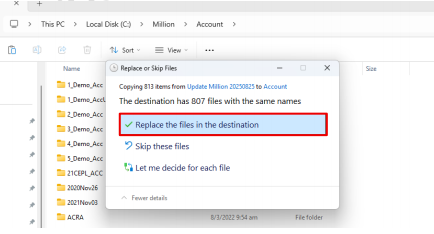
Step 6: Replace the files
When prompted, select Replace the files in the destination to complete the update.
After replace
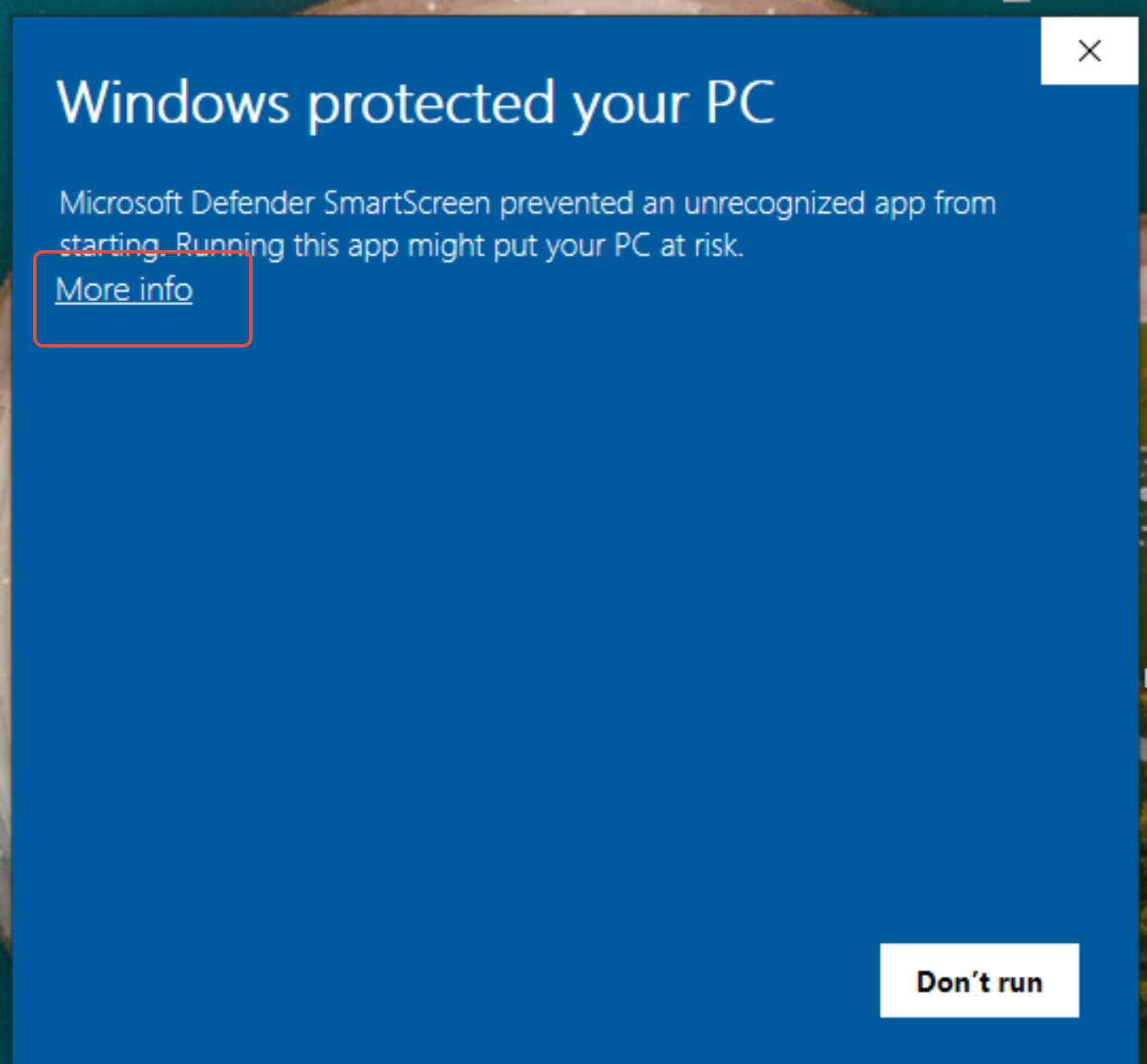
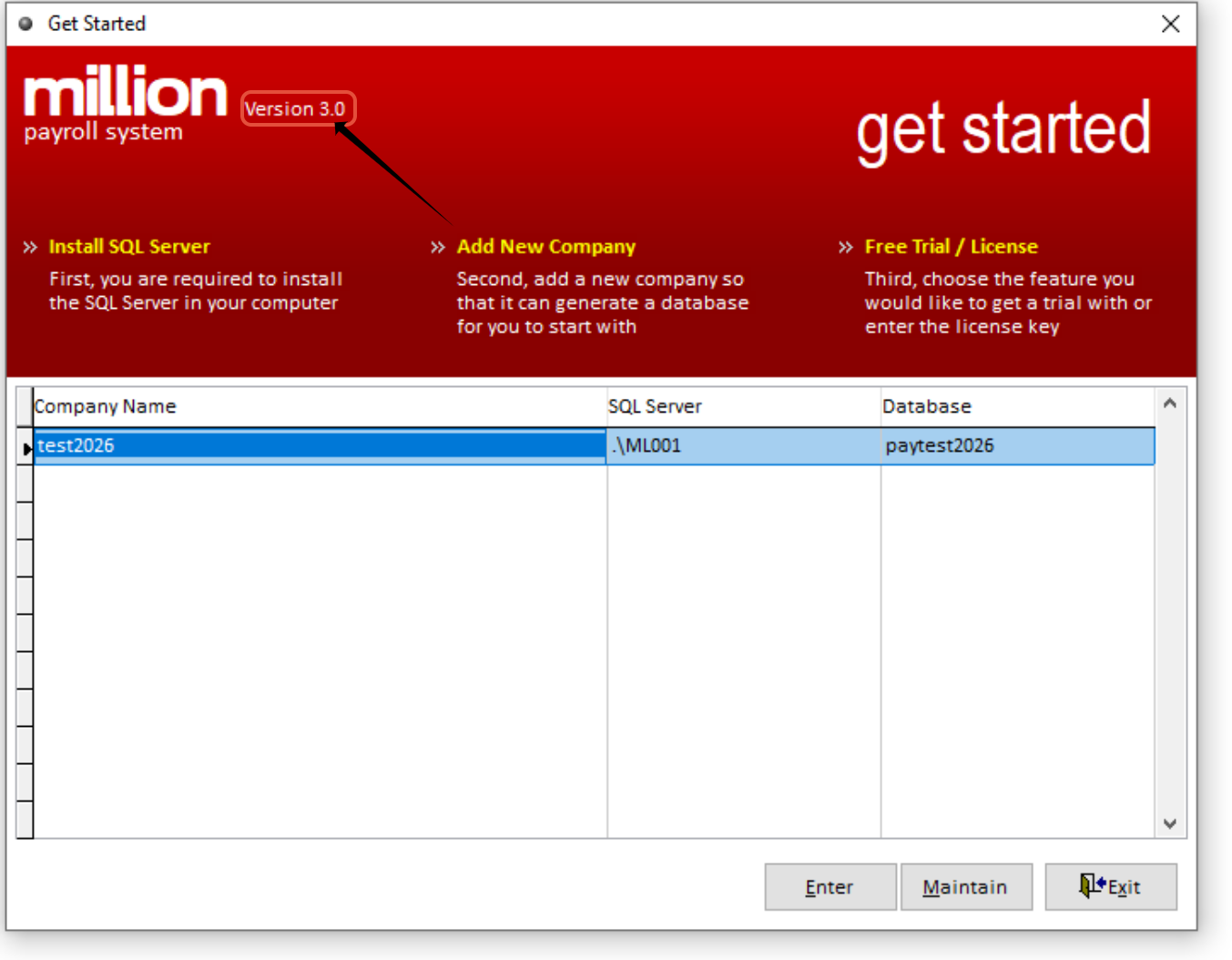
Click more info and click run anyway, then double click this version3.0 to check if the version date match or not ya, if not then check the million update patch file version date and try paste again the million patch up file.